Hire the ones
who text back.
Built for hourly and high-volume hiring. chattHR texts every applicant your screening questions, in English or Spanish, scores each answer against your rubric, and hands you the shortlist.
Free for two weeks. No card, no sales call.
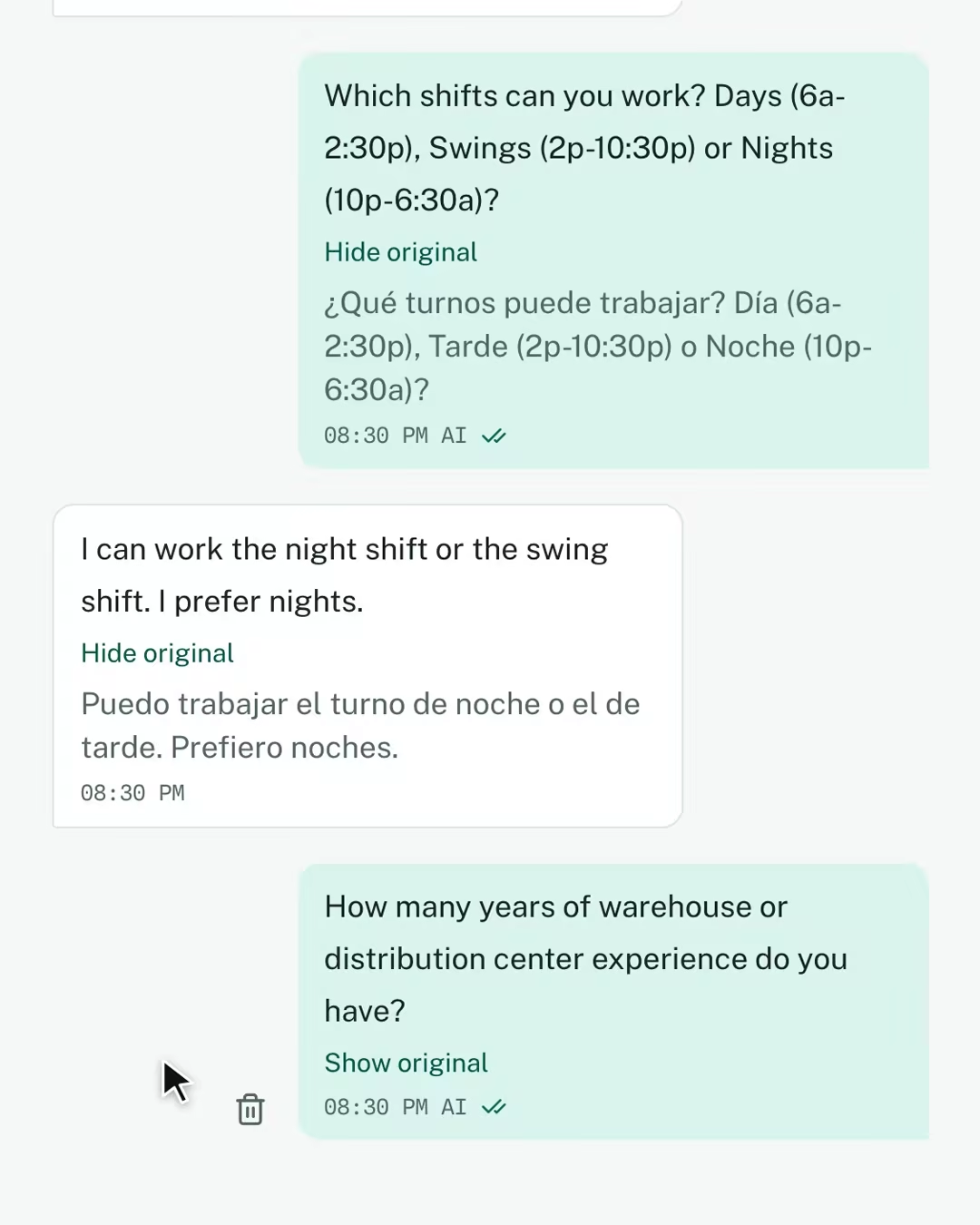
See it work, start to finish.
Screen recordings of the real app, running a sample warehouse and delivery company. The candidates, scores and replies are demo data.
Applicants answer by text, one question at a time.
No app to install and no portal to log into. The screen runs as a normal text thread, any hour of the day, and the replies land in one inbox.
- Questions are written for each job you post
- Spanish speakers get the same screen in Spanish
- Every reply is stored with the thread for your team

Every answer is scored, so the strongest candidates are easy to find.
Filter the board to a job, see who is in which stage, and open any candidate to see the score and the reasons behind it.
- Weighted categories from your rubric
- Quotes from the candidate’s own replies as evidence
- Adjust the score and leave notes for the team

Book the interview and send the offer from the same place.
Send a scheduling link. The candidate picks a time on a booking page of their own, and you get a confirmed interview. The offer letter is drafted and waiting for your review.
- Candidates choose from the slots you offer
- Add a hiring manager to the interview
- Review the drafted offer, then send it

Connect your AI assistant in one approval.
Add chattHR as a connector in Claude or another AI tool that supports MCP. Sign in, choose your organization and what the assistant may do. There is no token to copy.
- Read-only or read and write, your call
- It acts as you, inside the organization you pick
- Disconnect any time in Settings

Answer a screening question yourself.
Play the candidate. This is a simulated thread — nothing is actually sent.
Barista · Acme Coffee
chattHR screening assistant
Hi! I'm the chattHR screening assistant for a Barista role at Acme Coffee. Tell me why you'd be a great fit.
0/600 characters
A text gets answered in minutes. An email waits for days.
Meet candidates on the channel they actually open — and fill roles before they take another offer.
TalentScout
Here to help you hire
Tell TalentScout the role. It builds the whole screen.
Describe what you’re hiring for in a sentence — by typing or out loud. TalentScout turns it into a complete requisition with questions and a rubric, so a screen that used to take an afternoon is ready in a minute.
More on TalentScoutYour pipeline, in your pocket.
Read replies, check scores, move candidates along and approve requisitions from your phone — in English or Spanish, in light or dark mode.
See the mobile app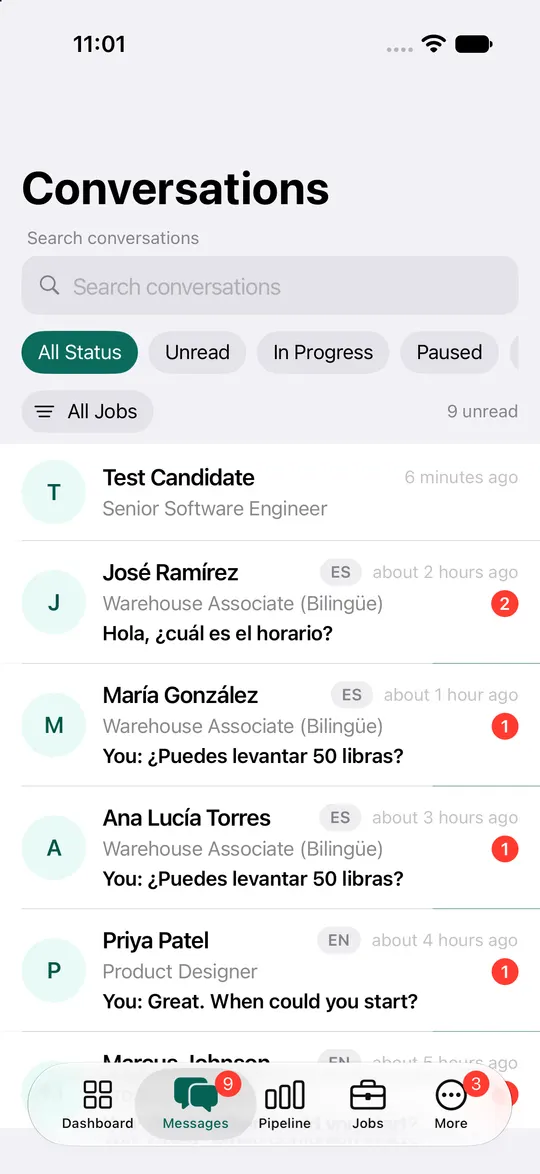
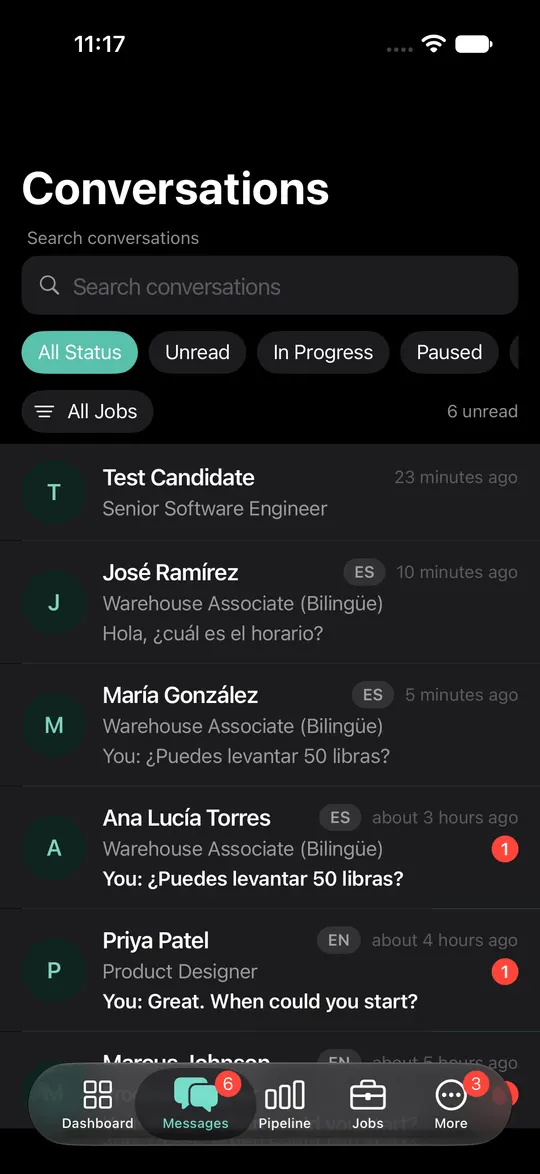
Conversations 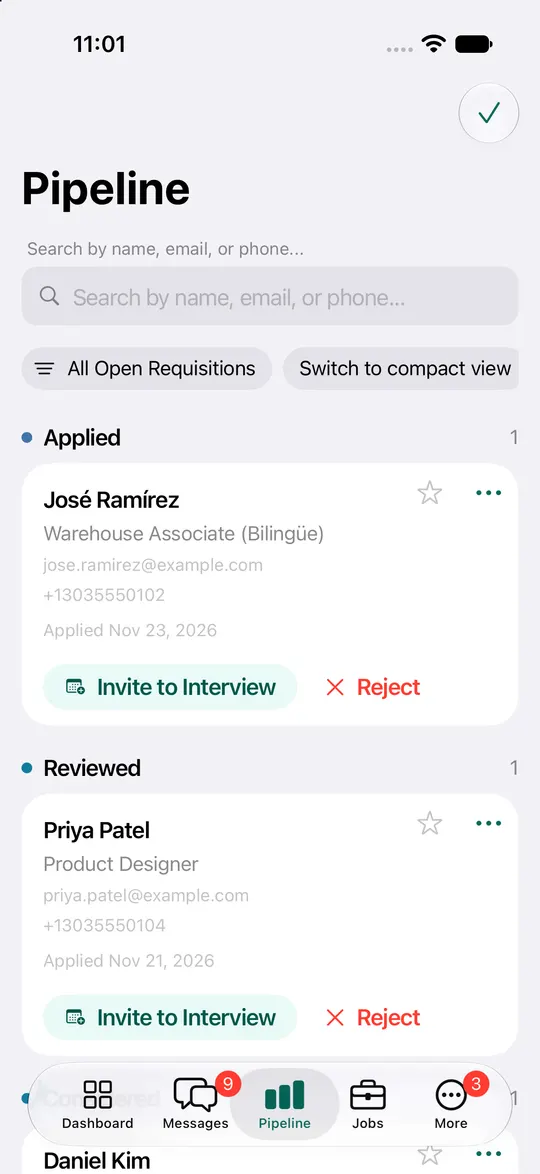
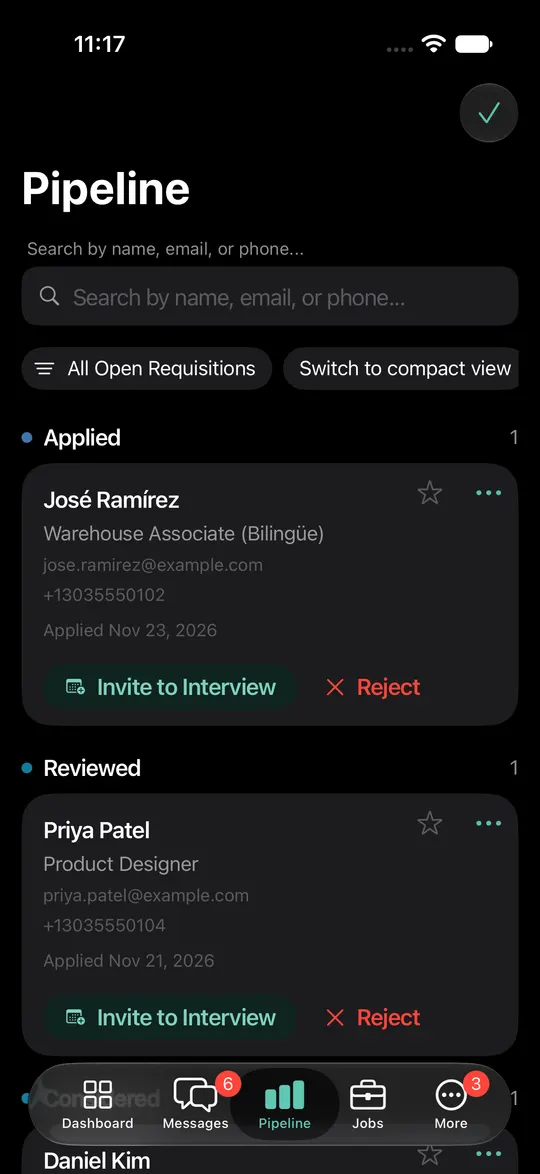
Pipeline 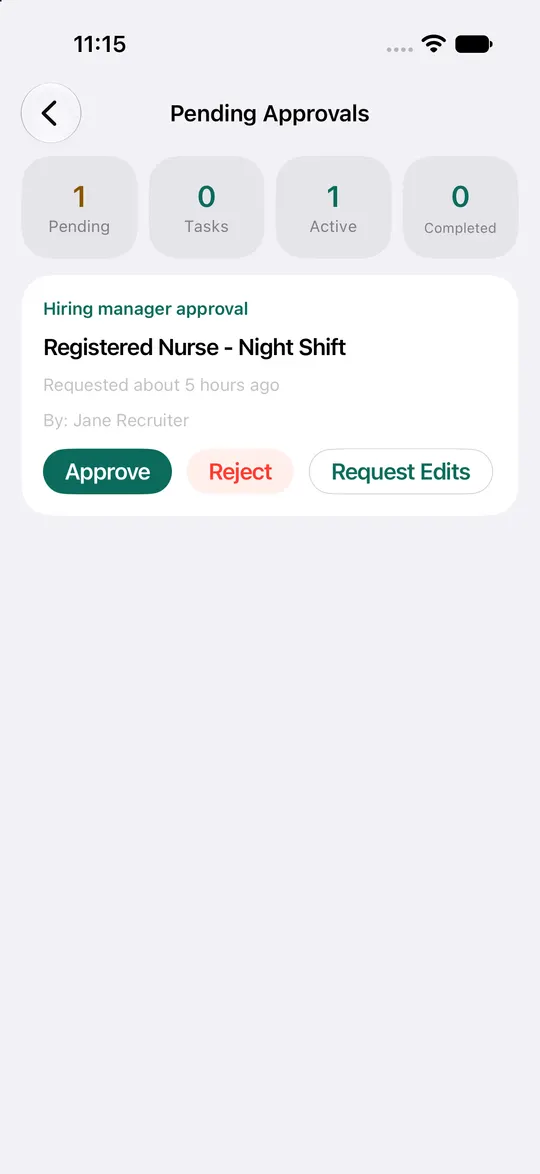

Approvals


A full recruiting platform — the screen is just where it starts.
Screening and scoring are the heart of chattHR. Around them sits everything else you need to run a hire end to end, so nothing leaves the pipeline.
- SMS screening
- Natural, two-way conversations that screen candidates around the clock.
- Reply scoring
- Every resume and reply scored against the rubric you set, powered by Claude.
- Pipeline board
- A kanban pipeline with custom stages, bulk actions, and live collaboration.
- Video interviews
- Self-recorded or live. Candidates record on their time; you watch on yours.
- Interview scheduling
- Self-scheduling links that sync with Google Calendar and Outlook.
- Offers & e-signature
- Send, counter, and track branded offers without leaving chattHR.
- Workflow automation
- Approvals, notifications, and stage moves run themselves.
- Security & compliance
- Multi-tenant, encrypted, RBAC, audit logs, and TCPA-aware safeguards.
See what it saves you
A rough feel for the time and money chattHR gives your team back.
With chattHR Professional at $299/month
You save $3,451/month
That’s $41,412 in net savings a year.
Start the conversation.
Run your first text-message screen today. It takes a minute to set up.